
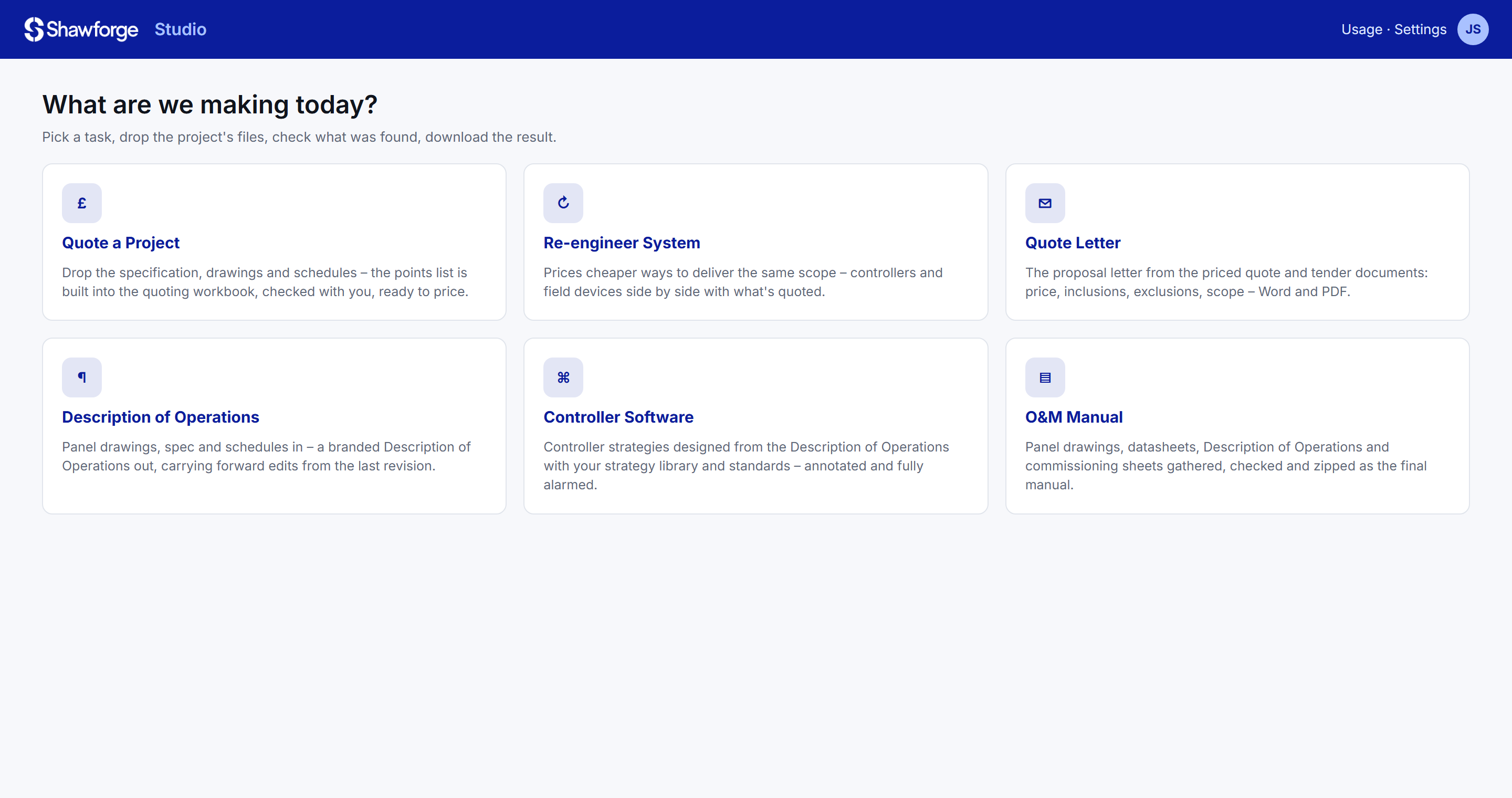
Studio is the office side of a BMS project. Drop in the files you already have – specifications, drawings, schedules, emails – and it reads, matches and assembles the paperwork, checks what it found with you, then builds the finished documents.
The same simple flow whether it's a quote or an O&M manual – so nobody needs training to use it.
Quote, proposal letter, Description of Operations, controller software, O&M manual or handover pack.
The project folder, or whatever you have. Studio works out which drawing revision is current and what each file is.
Points, datasheets, revisions and questions are laid out for you to confirm or correct before anything is built.
Branded Word, Excel and PDF documents, named and organised the way your company files them.
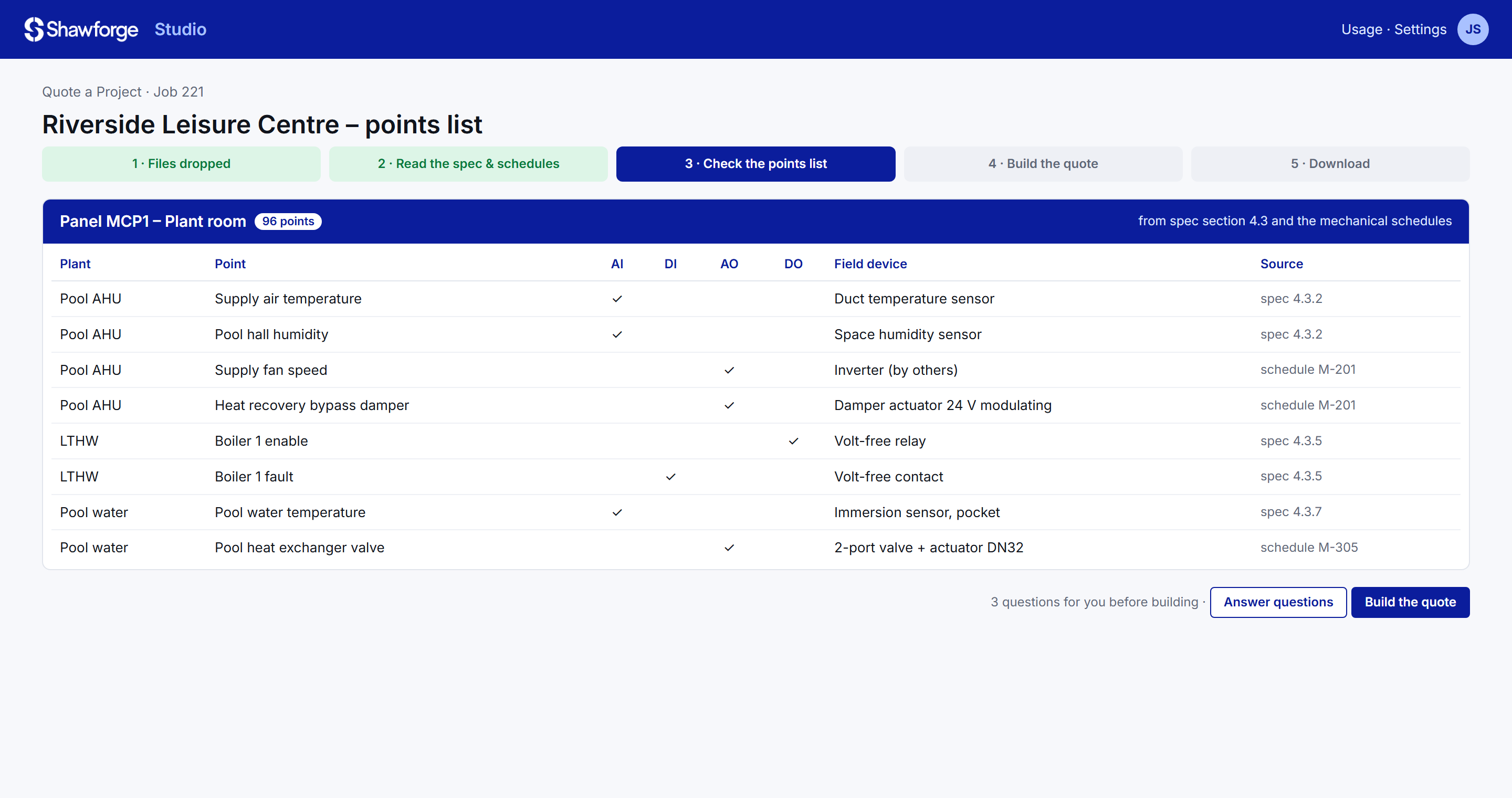
Studio reads the specification, drawings and mechanical schedules and builds the BMS points list straight into your quoting workbook – real catalogue items, not free text – with every point traced back to the clause or schedule it came from.
From the panel drawings, specification and IO schedules, Studio writes a properly branded Description of Operations – control sequences, alarm tables, IO tables and appendices – and carries forward any edits made to the previous revision.
The same description then drives the controller software: strategies designed with your strategy library and engineering standards, annotated, plotted and fully alarmed, ready to load.
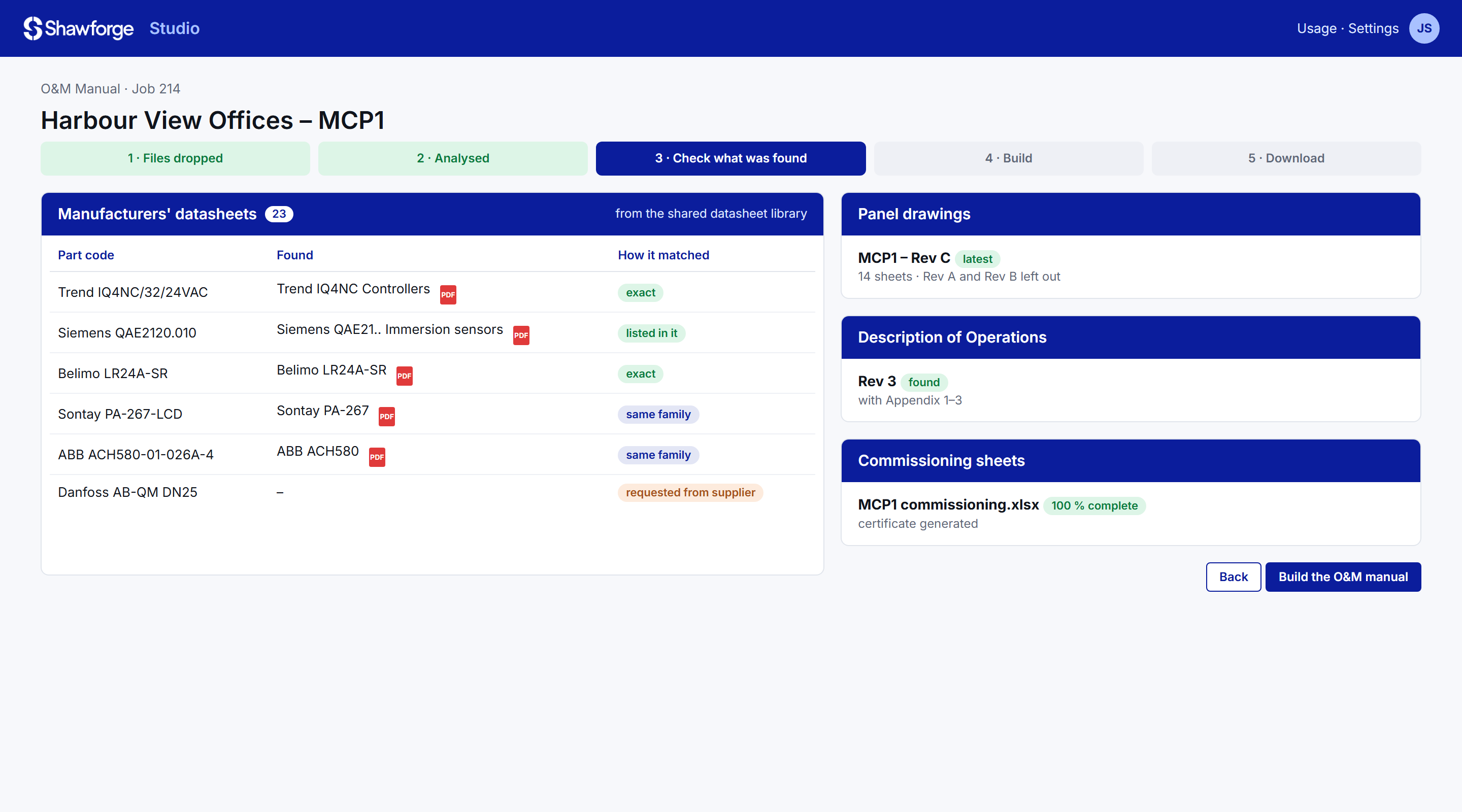
At the end of a project Studio gathers the latest panel drawings, every manufacturer's datasheet, the Description of Operations and the commissioning sheets, generates the certificate and zips the final O&M manual. The service handover pack follows the same way, with contacts, passwords and software backups.
The next Studio modules take the same approach from the office into the installation itself.
The control panel drawing set from the quote's points list: layout, power and IO wiring, terminal schedules and lamp legend, to your panel standard.
Panels, field devices and cabling by area – what's fitted, tested and outstanding, with photos, shared with the whole team.
Point-by-point commissioning against the points list and Description of Operations, feeding the commissioning sheets automatically.
Only the reading of drawings uses AI; choosing revisions, matching, converting and zipping is plain code. Every request is logged with its cost.
Templates, naming, branding and engineering rules are built in, so every document comes out consistent – whoever runs the job.
One datasheet library and part-code index across Studio and BMS Augmented Reality – the documents you hand over are the ones your service team uses.
Send us a recent project folder and we'll show you what Studio makes from it.